> ## Documentation Index
> Fetch the complete documentation index at: https://docs.cloud.coinbase.com/llms.txt
> Use this file to discover all available pages before exploring further.
# 1. Set Up and Fund Ledger Live with DOT
## 1. Install Polkadot App and Create Account
Ensure your Ledger hardware device is connected to your computer and unlocked, and that you are operating the latest version of Ledger Live.
1. In Ledger Live, select **Manager**.
2. Search for the Polkadot App in the catalog and follow the on-screen prompts to install the app on your hardware device.
3. Select **Accounts** within Ledger Live and click **Add account**.
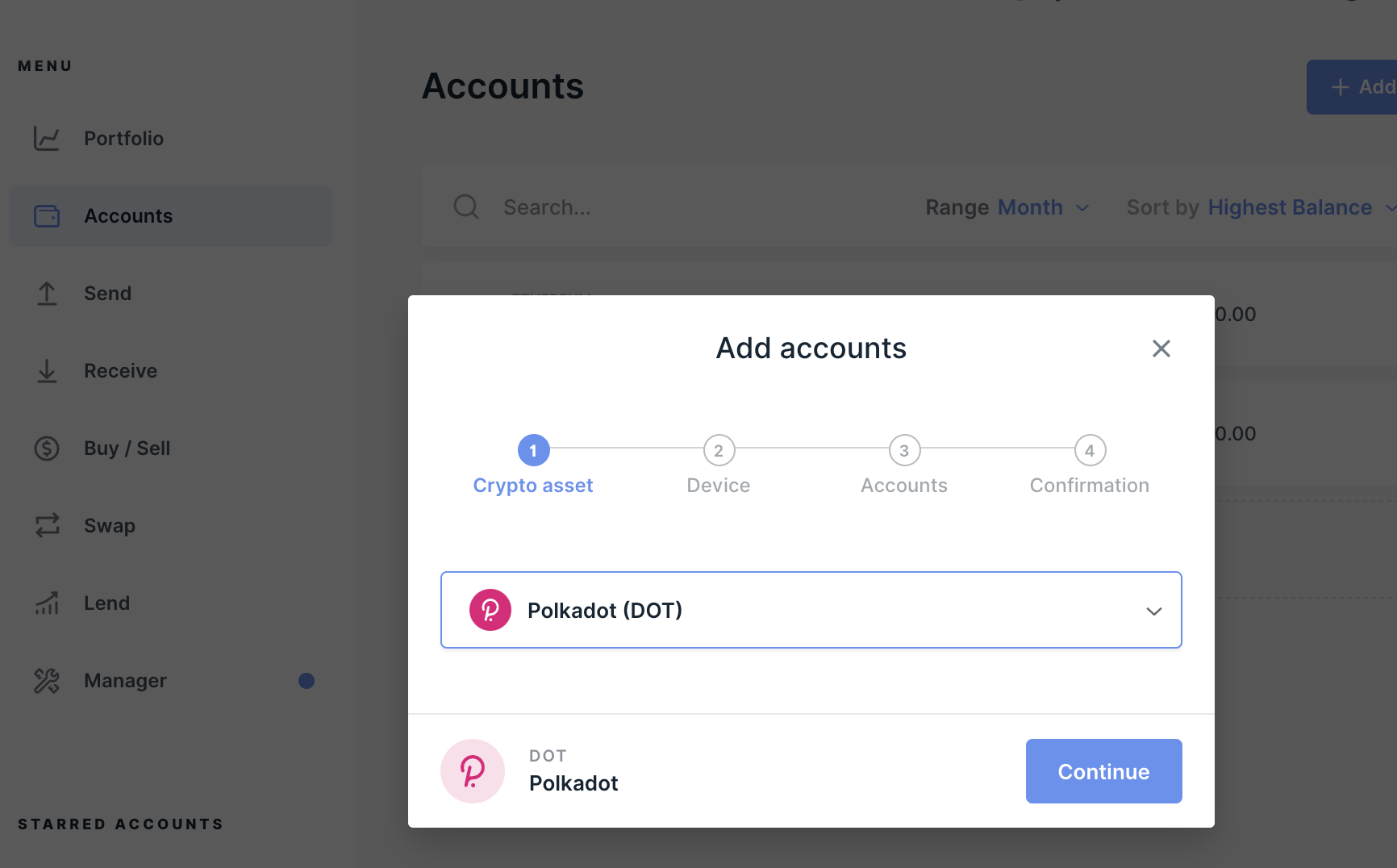 4. Select **Continue**.
5. Follow the on-screen prompts to authorize the account with your Ledger hardware device.
6. Select **Add Account**.
## 2. Transfer DOT
This section assumes that the Polkadot App is installed.
1. In Ledger Live, select **Receive**.
4. Select **Continue**.
5. Follow the on-screen prompts to authorize the account with your Ledger hardware device.
6. Select **Add Account**.
## 2. Transfer DOT
This section assumes that the Polkadot App is installed.
1. In Ledger Live, select **Receive**.
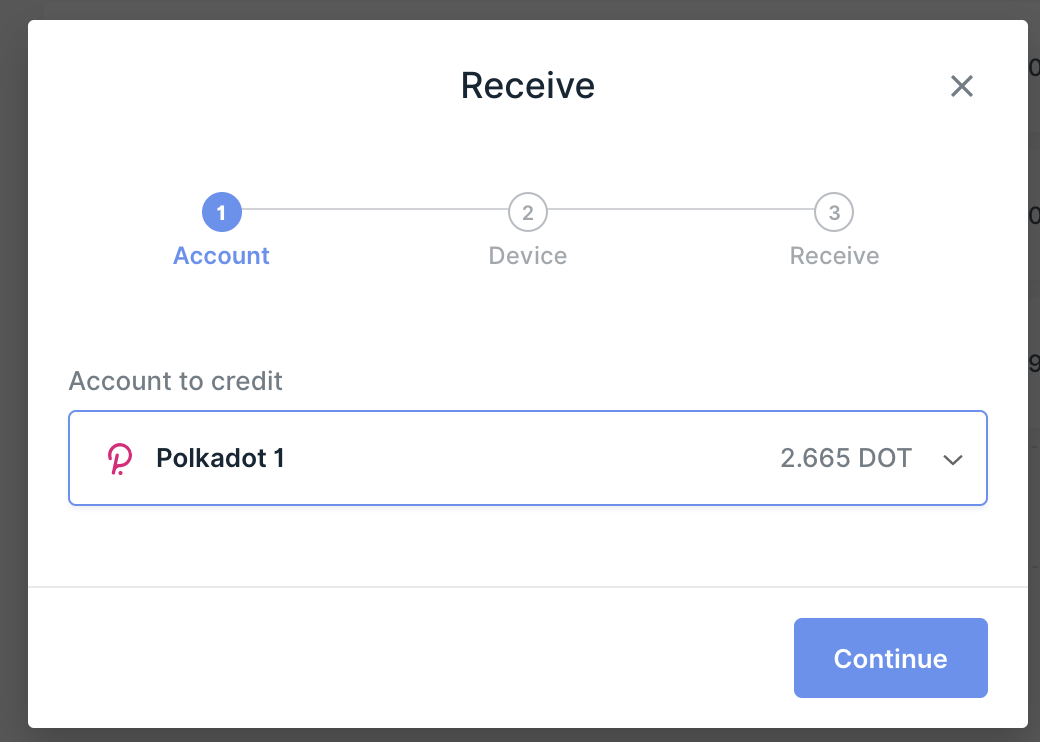 2. Under **Account to credit** select the Polkadot account you just created.
3. Follow the on-screen prompts to authorize the transaction on your Ledger hardware device.
4. Copy the public hash code (address) of your Ledger Polkadot account that appears on the screen of Ledger Live.
5. Verify that the public hash for your account matches the address showing on the screen of your Ledger hardware device.
6. Select **Accept** on your Ledger hardware device.
7. Select **Done** on the confirmation screen.
8. Transfer your DOT from the exchange/wallet in which it is held by sending it to the Ledger Polkadot account public hash code (address) that you copied above.
Your DOT balance should now show in your Ledger Live Polkadot account. It may take up to 10 minutes to show the balance.
2. Under **Account to credit** select the Polkadot account you just created.
3. Follow the on-screen prompts to authorize the transaction on your Ledger hardware device.
4. Copy the public hash code (address) of your Ledger Polkadot account that appears on the screen of Ledger Live.
5. Verify that the public hash for your account matches the address showing on the screen of your Ledger hardware device.
6. Select **Accept** on your Ledger hardware device.
7. Select **Done** on the confirmation screen.
8. Transfer your DOT from the exchange/wallet in which it is held by sending it to the Ledger Polkadot account public hash code (address) that you copied above.
Your DOT balance should now show in your Ledger Live Polkadot account. It may take up to 10 minutes to show the balance.